
Description
The first days of a building project are consumed by repetitive start-up tasks across architecture and MEP teams validating models, aligning levels and grids, creating spaces, and generating documentation. This session will show how teams can reduce start-up from 40 staff hours to under 60 minutes using Revit MCP, Dynamo, and pyRevit software. Revit MCP validates levels, grids, rooms, and naming conventions through natural-language queries. Dynamo then synchronizes linked architectural data into MEP models, while pyRevit batch tools automate spaces, views, sheets, and standards-compliant documentation. You'll leave with a scalable cross-disciplinary framework that improves coordination quality and builds an AI-ready BIM foundation.
Key Learnings
- Discover BIM start-up gaps: model validation failures, broken links, and manual setup waste hiding in every new project.
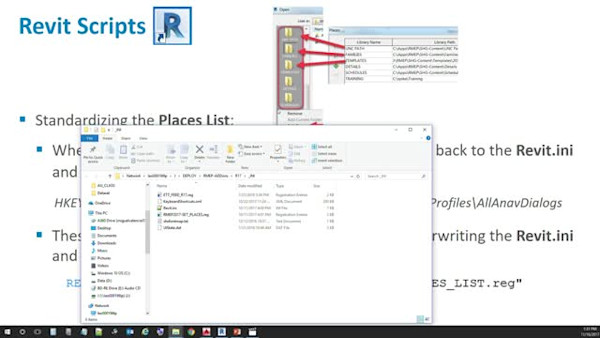
- Learn how to apply Revit MCP, Dynamo, and pyRevit to automate validation, sync linked data, and batch-generate views, spaces, and sheets.
- Learn how to design a scalable Arch+MEP start-up framework embedding automation into cross-discipline production standards.
- Calculate real ROI, including start-up time saved, coordination risk reduced, and staff-hours recovered per project through automation.
Downloads
Tags
Product | |
Industries | |
Topics |
People who like this class also liked


Instructional Demo
CAD/BIM Managers: Manage Your Autodesk Products with Batch Files
Instructional Demo