Description
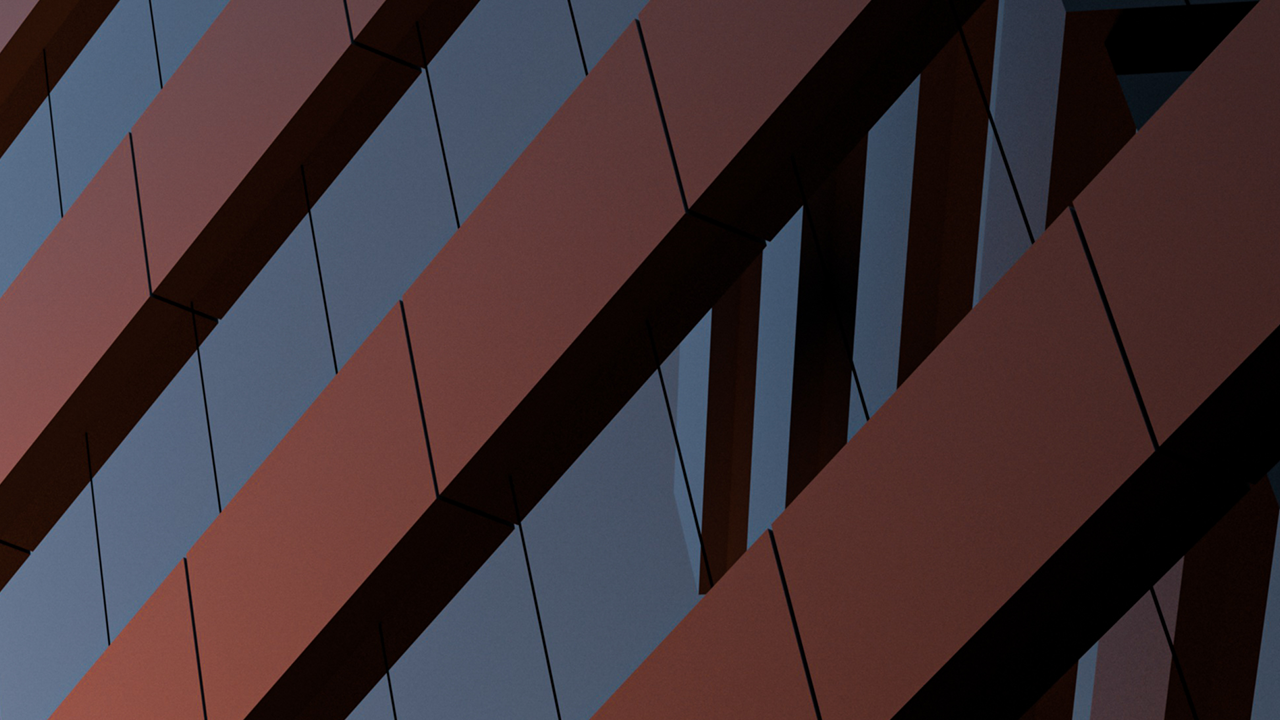
Do you want to create professional-looking renderings? Learn how to convert your 3D AutoCAD models into finished, photorealistic renderings using tools already built into AutoCAD software. In this class, you learn how to use lighting, material, and rendering tools in AutoCAD to place and control lights, add and adjust materials and textures, and control the surrounding model environment to produce eye-catching images. You see how to take real-world objects and quickly create custom materials, and produce reusable models of light fixtures that behave like real-world lights. You also see how to take full advantage of the Autodesk® 360 cloud-based rendering service to create beautiful renderings quickly and easily, and even produce rendered animations entirely inside AutoCAD.
Key Learnings
- Add lights and model actual light fixtures
- Attach and modify materials and create custom materials
- Control the rendering environment to simulate natural lighting and atmospheric effects
- Render on your computer or in the cloud
Downloads
People who like this class also liked